How to Save TikTok Videos Without the Watermark

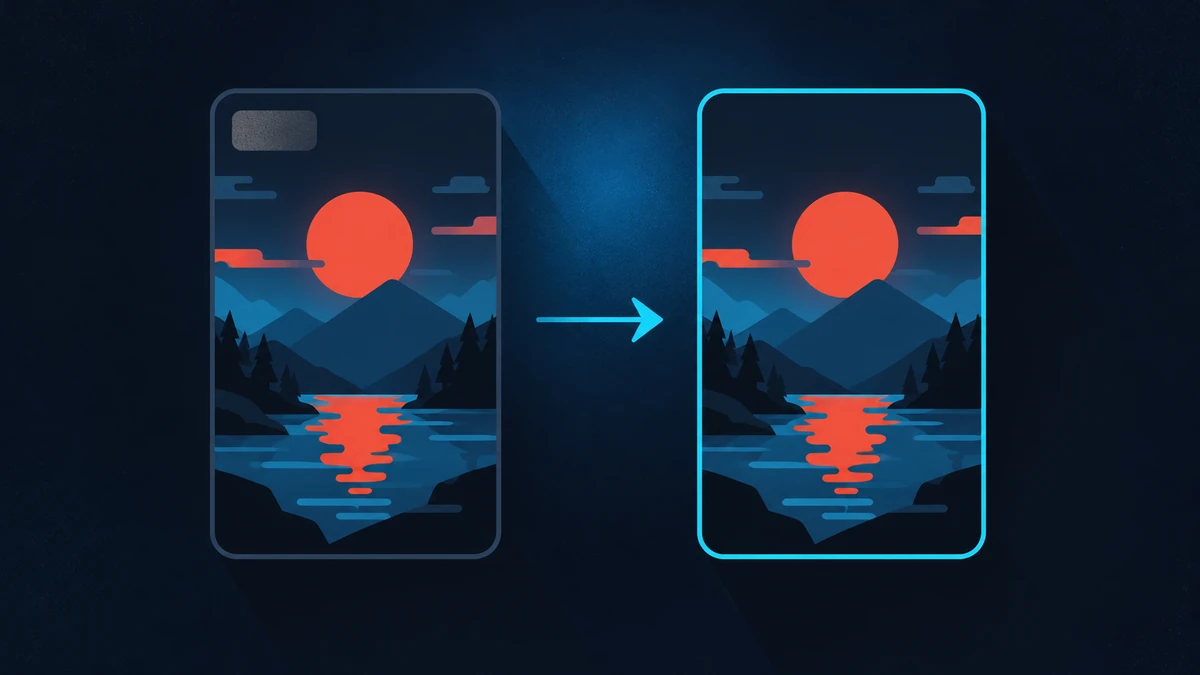
Saving a TikTok through the app adds a moving watermark and the creator's username to the corner. That is fine for resharing inside TikTok, but it gets in the way if you are archiving your own clips or editing footage you have rights to.
Get the link
Tap Share on the video, then Copy link. On desktop, copy the address from the browser bar. Short vm.tiktok.com links work exactly the same as full ones.
Paste it here
Drop the link into the box at the top of the page. You will normally be offered a watermark-free version alongside the standard one, plus an audio-only download.
Why some videos keep the watermark
The clean version is the file TikTok stores before the overlay is applied. It is not always available — for older uploads, some regional variants, and clips that were re-uploaded from elsewhere, the only copy that exists already has the mark baked in. When that happens no tool can remove it without cropping or blurring, which costs you quality.
Keeping the quality
TikTok compresses heavily on upload. Choose the largest file offered; anything smaller has been re-encoded a second time and will look noticeably softer on a big screen.
If you are editing, avoid re-saving the clip through another app before you start. Every extra encode loses detail permanently.
Saving the sound
Pick the MP3 option to pull just the audio. Useful for keeping a sound you want to use later, though bear in mind that the audio in a TikTok is frequently a licensed music track rather than something the uploader owns.
Common problems
- Private or friends-only videos cannot be fetched.
- Deleted videos return an error even if the link still looks valid.
- Age-restricted clips are often blocked.
If a link fails, open it in a browser first. If TikTok itself will not play it without logging in, it cannot be downloaded either.


